Piano Game for Kids🎹Music Tiles
Tap the tiles, play the tune.
About Music Tiles
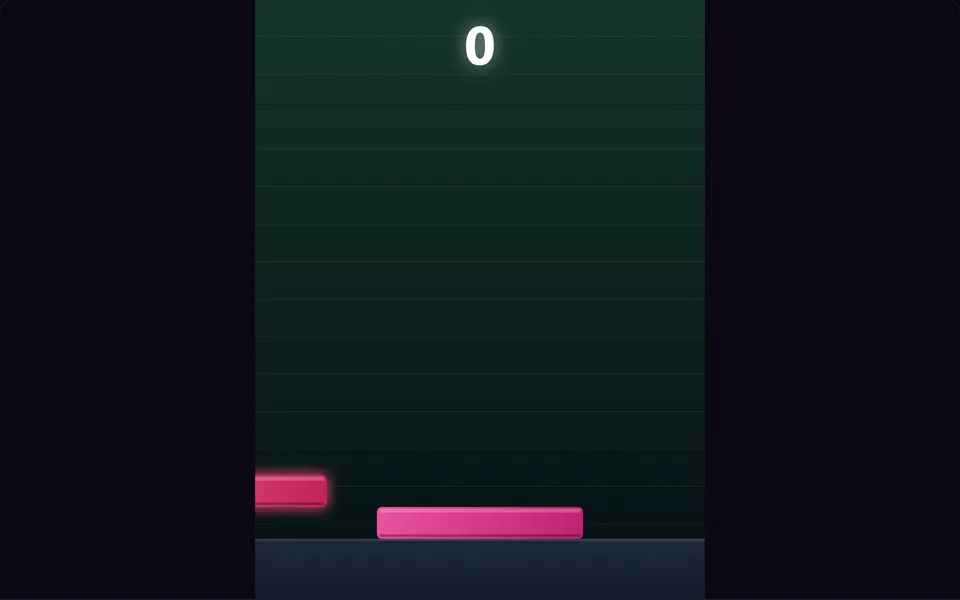
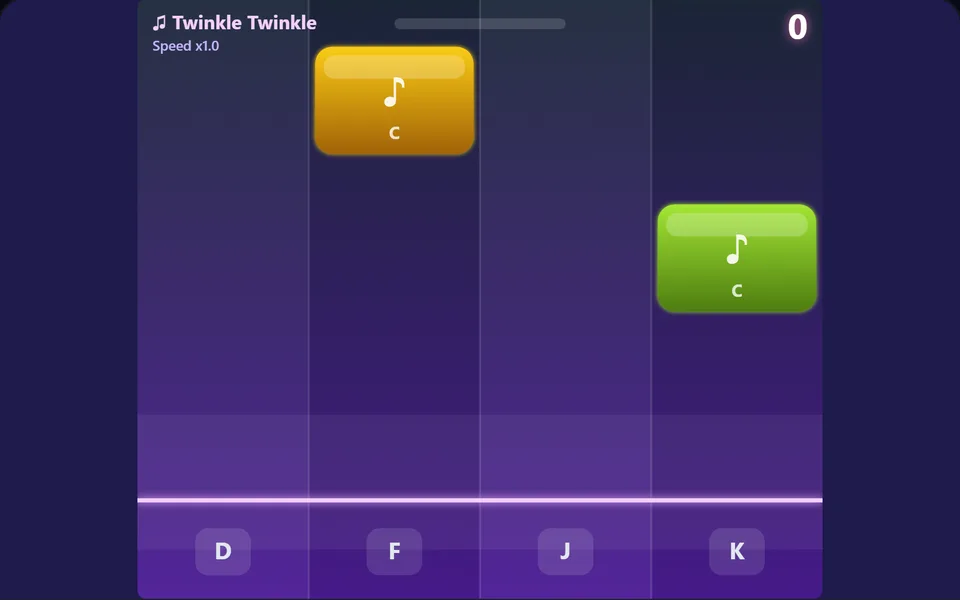
Tiles fall down four lanes in time with a melody. Tap each one as it reaches the line to play the next note of songs like Twinkle Twinkle and Ode to Joy. Miss a tile and the song stops.
Controls
- ▸Tap the tiles as they reach the line
- ▸Keys D F J K on a keyboard
- ▸P or Esc to pause
- Difficulty
- ★★★★★
- Session
- ~3 min
- Plays
- 0
- Time played
- 0 min
How to play Music Tiles
Coloured tiles fall down four lanes in time with a melody. Tap each tile as it reaches the glowing line and it plays the next note of the tune. On a keyboard, D, F, J and K match the lanes from left to right.
Every note scores a point. Finish a song and the next one starts a little faster: Twinkle Twinkle, Ode to Joy, Mary Had a Little Lamb, then round again at a higher speed. The game ends when a tile slips past the line, or if you tap a lane with no tile near the line. A tap that's slightly early is forgiven: the tile shakes and you carry on.
Tips
- ▸Two tiles in a row never fall in the same lane, so your next tap is always in a different lane from the last.
- ▸The hit area stretches well above the line, so tapping a fraction early is safer than waiting for the tile to touch it.
- ▸On a keyboard, rest two fingers of each hand on D, F, J and K, like touch typing, so you never need to look down.
- ▸Never tap a lane just in case: tapping an empty lane stops the song just like a missed tile.
Music Tiles FAQ
- Which songs can you play?
- Twinkle Twinkle Little Star, Ode to Joy and Mary Had a Little Lamb. They repeat in that order, faster each time round.
- Why did the song stop?
- A tile went past the line untapped, or you tapped a lane with no tile near the line. Your score is the number of notes played.
- Is it suitable for young children?
- Yes. The songs are familiar nursery tunes and the first one is slow. Each song is faster than the last, so older children and adults get a challenge too.